
Contents
In short
Every Next.js deploy on a VPS can mean a minute of 502 Bad Gateway — or not. A Habr walkthrough shows a PM2 recipe: reload instead of restart, cluster mode, and sane handling of the .next build output.
What happened
The author describes a familiar loop: push to main, CI builds, pm2 restart on the server — nginx serves 502 while the process is down. The issue is common for teams without Kubernetes.
Two frequent mistakes:
pm2 restart— the process exits, the port is empty, users see 502.- Deleting
.nexton a live server beforenext buildfinishes — the app has nothing to serve mid-build.
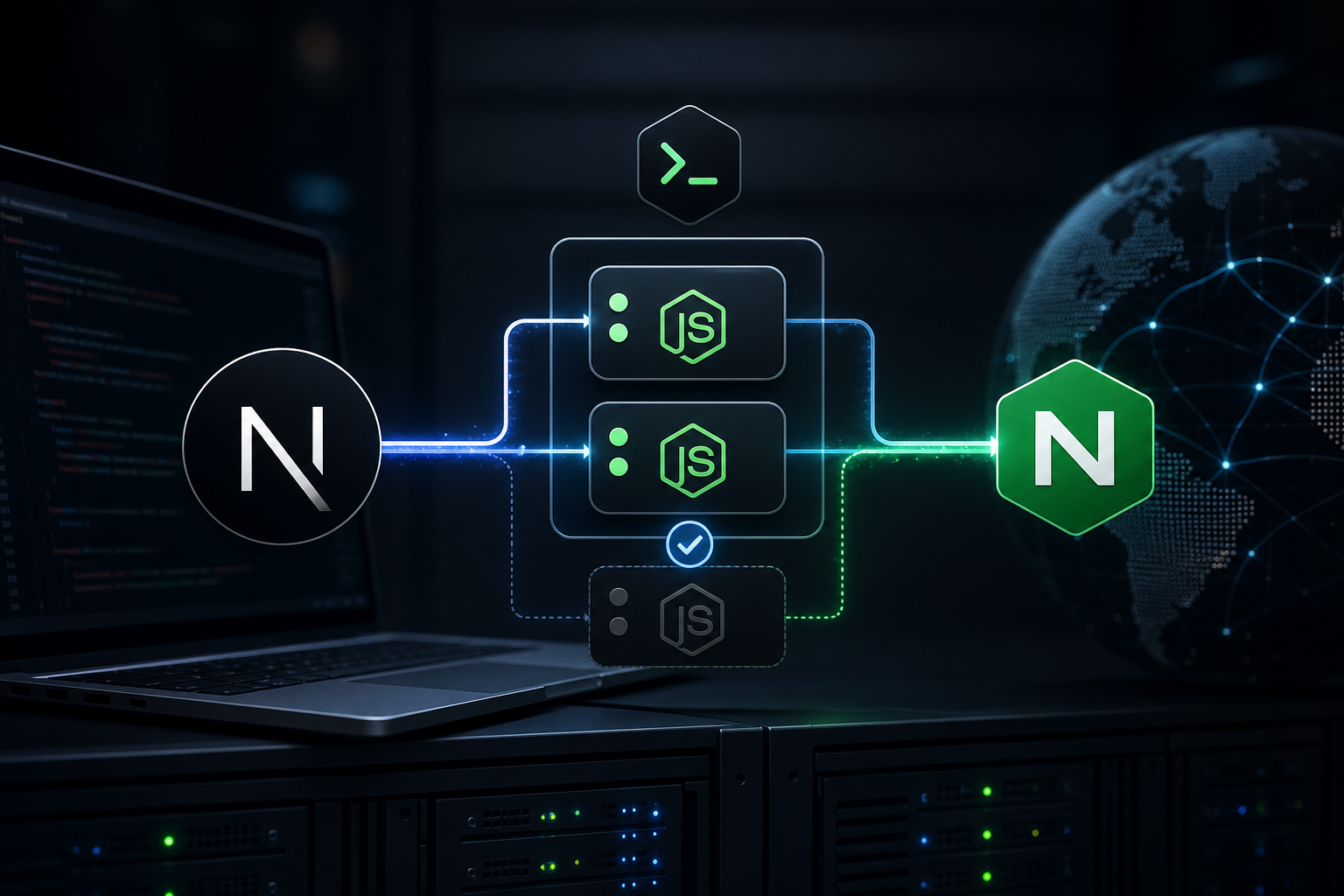
The fix is pm2 reload in cluster mode: PM2 starts new workers, then drains old ones (zero-downtime at the Node layer).
Why it matters
For small and medium traffic, VPS + PM2 is often cheaper and faster to operate than a Kubernetes cluster — but only if reload is configured correctly.
| Approach | Pros | Cons |
|---|---|---|
| PM2 on VPS | Simple CI, few moving parts | You own SSL, backups, scaling |
| Kubernetes | Rolling updates, autoscaling | Complexity and cost for a single app |
In practice
- Run Next in cluster mode (
instances: maxor a fixed worker count). - After build in CI/CD, run
pm2 reload ecosystem.config.cjs, notrestart. - Build
.nextin CI or a staging dir; do notrm -rf .nextunder a live process. - Point nginx health checks at the upstream after reload.
Takeaway
502 on deploy is usually a release-process bug, not a Next.js curse. For many VPS setups, PM2 reload plus disciplined builds is enough; reach for Kubernetes when resilience and scale requirements grow.