image-gen-extension
Browser extension for image generation workflows inside the editor context. TypeScript MV3 extension with focused UX for prompts and previews.
DetailsDeveloper news without the noise — My Dev News in Telegram.

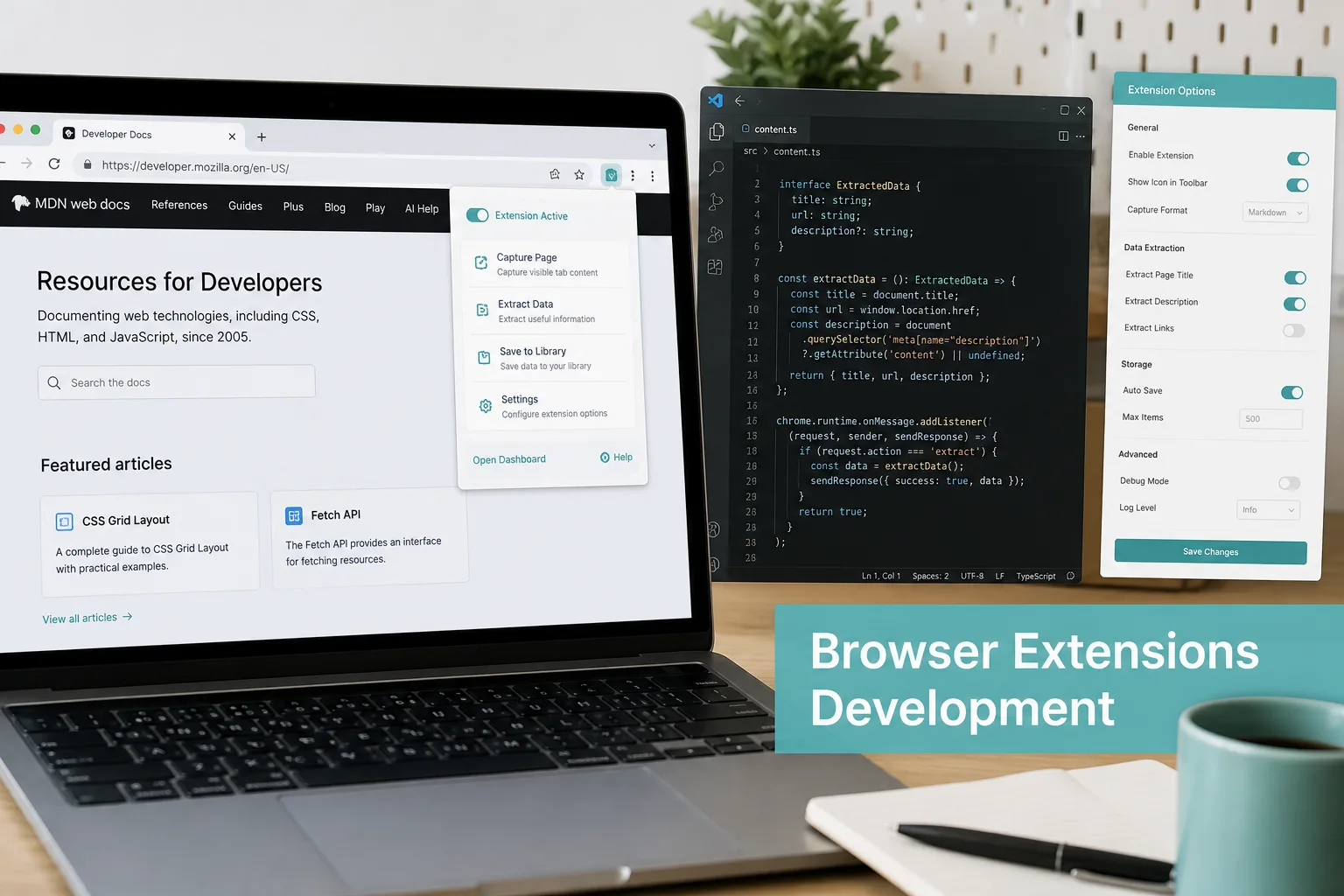
TypeScript extensions with focused UX: permissions, service workers, messaging, and store-ready packaging.
Tell me the goal, stack constraints, and timeline — I reply on Telegram.
Modern Chrome extensions are small products: honest permissions, restart-prone service workers, and simple messaging between UI, content scripts, and background.
If you need a companion surface next to an existing web product, an extension meets users where they already work.
Recent deliveries include image-gen-extension—systems where browser extensions (chrome mv3) skills (TypeScript, Chrome MV3, WebExtension API, content scripts, messaging, UX, packaging) were applied end to end.
Those projects combined product UI, APIs, and operational concerns: roles, exports, integrations, and observability. The goal is always software your team can extend—not a one-off demo that collapses under real users.
Typical collaboration starts with a written brief: constraints, integrations, compliance, and what “done” means for the first release. We slice work into vertical milestones so you see progress every one to two weeks and can reprioritize without losing the thread.
After go-live we offer a short hypercare window: fix edge cases, tune performance, and transfer knowledge. Long-term support can stay with your in-house team or continue as a retainer—your choice.
We document decisions in plain language, keep staging environments aligned with production, and leave runbooks so your team is not blocked after handoff. If you already have designers or backend engineers, we plug into your rituals instead of inventing a parallel process.
The final acceptance checklist is confirmed in the brief or contract; the list above is a scope alignment guide.
Browser extension for image generation workflows inside the editor context. TypeScript MV3 extension with focused UX for prompts and previews.
DetailsYou describe the goal, constraints, timeline, budget, and infrastructure.
I ask questions, review existing code or a brief when needed, and lock scope.
I propose stages, priorities, and a timeline range; we agree on reporting.
Iterations with intermediate results: commits, demos, and feedback.
Deploy and docs as needed; we agree on maintenance or targeted follow-ups.
Tap a question to expand the answer.
Yes—TypeScript-first MV3 with service workers, content scripts, and messaging kept deliberately simple.
Request only what the feature needs, explain why in the store listing, and avoid broad host access by default.
I prepare packages, privacy notes, and review-friendly builds; the developer account stays yours.
MV3 Chrome is the default; Firefox/Edge ports are feasible when APIs align—scoped per project.
Yes—typical pattern is extension UI + your existing REST API and auth, without duplicating backend logic.
Tell me the goal, stack constraints, and timeline — I reply on Telegram.