
Contents
In brief
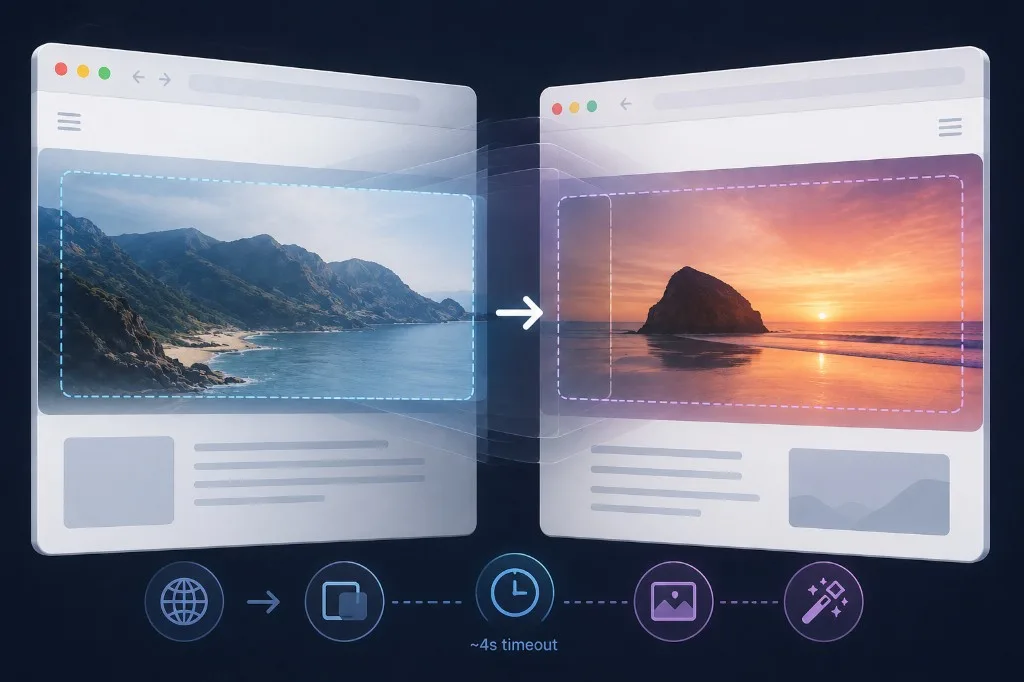
The View Transitions API now spans separate HTML documents (MPA), not only SPAs. CSS-Tricks part 1 collects gotchas: outdated guides, silent failures, and image snapshot glitches.
What happened
Early docs used <meta name="view-transition" content="same-origin"> — obsolete. The current opt-in:
@view-transition {
  navigation: auto;
}
The browser animates same-origin navigations without React or Vue. Spec and DevTools still lag behind SPA ergonomics—many “it doesn’t work” cases show no console error.
Why it matters
| Gotcha | Detail |
|---|---|
| ~4s timeout | If the next page does not render in time, the transition fails silently |
| Image snapshots | Distorted aspect ratios—often fixed with pseudo-elements + object-fit: cover |
pageswap / pagereveal |
Practical hooks to see whether a transition actually ran |
| Stale tutorials | Copy-pasting the meta tag creates false confidence |
For content sites and docs, this is a path to app-like navigation without a heavy client router—if you accept MPA constraints.
In practice
- Target Chrome 126+ and current Safari—support is still rolling out.
- Use global
@view-transition { navigation: auto; }, not the meta tag. - On slow pages, improve LCP or skip relying on transitions (timeout).
- Style hero images for
::view-transition-old/::view-transition-newsnapshots. - Debug with
pagereveallisteners and the Animations panel.
Takeaway
Cross-document transitions are real for MPAs, but not a one-line CSS feature like in SPAs. The CSS-Tricks series works as a production checklist, not a magic enablement guide.