

Contents
In brief
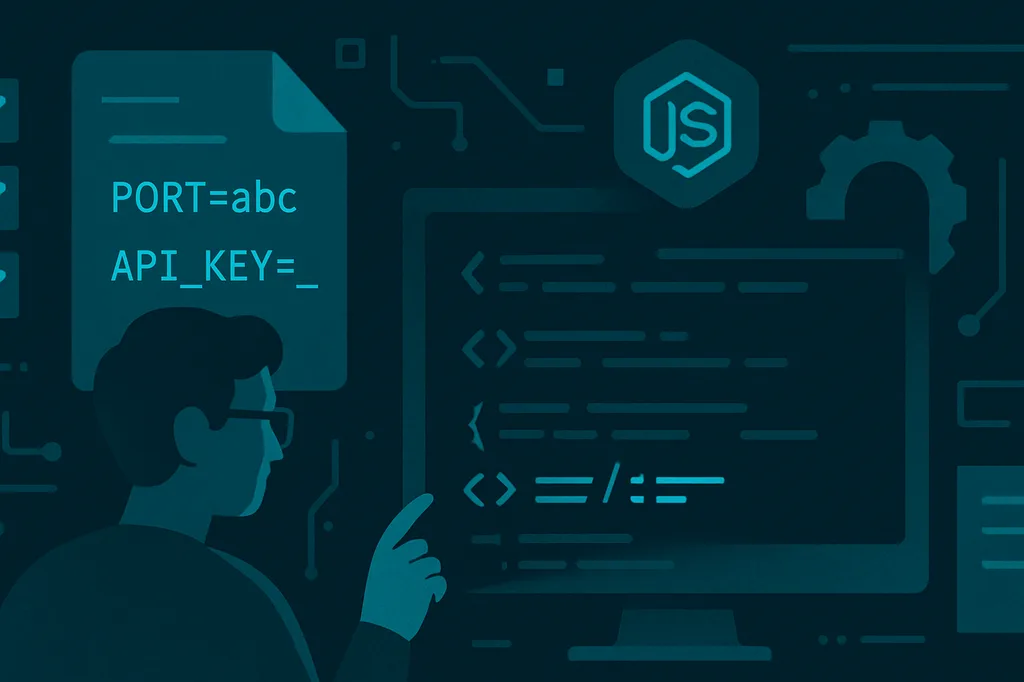
A typo in .env often surfaces only in production: PORT=abc, NODE_ENV=staging on a live server, an empty API_KEY. A Dev.to post walks through schema-based validation and the env-haven CLI — checks before the app starts and in CI.
What happened
The author lists common failures: a string where a port number is expected, wrong DATABASE_URL prefix, missing required keys. TypeScript does not help — process.env stays string | undefined.
The fix is a JSON schema for variables: type, required, enum, formats (url, port, email), defaults. A checkmyenv.config.json file in the repo becomes the single source of truth.
env-haven (MIT, zero dependencies) validates .env, exits with code 1 on failure, and can generate .env.example and env.d.ts.
Why it matters
Environment-based config is standard for Node/Docker/Kubernetes, but without a contract teams rely on memory and copy-paste. One wrong NODE_ENV can route staging keys into production traffic.
| Issue | Without schema | With schema |
|---|---|---|
PORT=abc |
Crash on bind | CI failure |
NODE_ENV=staging in prod |
Wrong flags and keys | enum rejects value |
Empty API_KEY |
Sudden 401s from APIs | «Missing required variable» before deploy |
Schema + CI is cheaper than a midnight incident and log archaeology.
In practice
- Describe variables in
checkmyenv.config.json(type,required,format,default). - Add
npx env-havento PR workflows — same.env.examplenew developers see. - Run
env-haven generatewhen the schema changes and commit the updated.env.example. env-haven types— anEnvinterface for a wrapper overprocess.envafter a successful check.- In-code alternative: Zod / Valibot at process startup — same idea if you do not need a CLI.
For multiple environments, copy the right .env before the pipeline step or maintain separate schema profiles.
Takeaway
Env validation is a small step with a large payoff: the first run catches typos that would otherwise hit monitoring. Worth adding to any TypeScript backend that still configures via .env.
Comments