
Contents
In brief
Calling an LLM from code is easy; shipping a reliable product is not. A Dev.to walkthrough covers Google Genkit for Go: prompts, structured outputs, multi-step flows, tools, and debugging—so you do not reinvent a mini-framework around every provider.
What happened
The author, who builds AI code review on every commit, describes a familiar evolution. Phase one is response := callLLM(prompt). Then come retries, prompt versioning, JSON outputs, tool calls, tracing, metrics, and human review—and the repo grows an AI-only infrastructure layer.
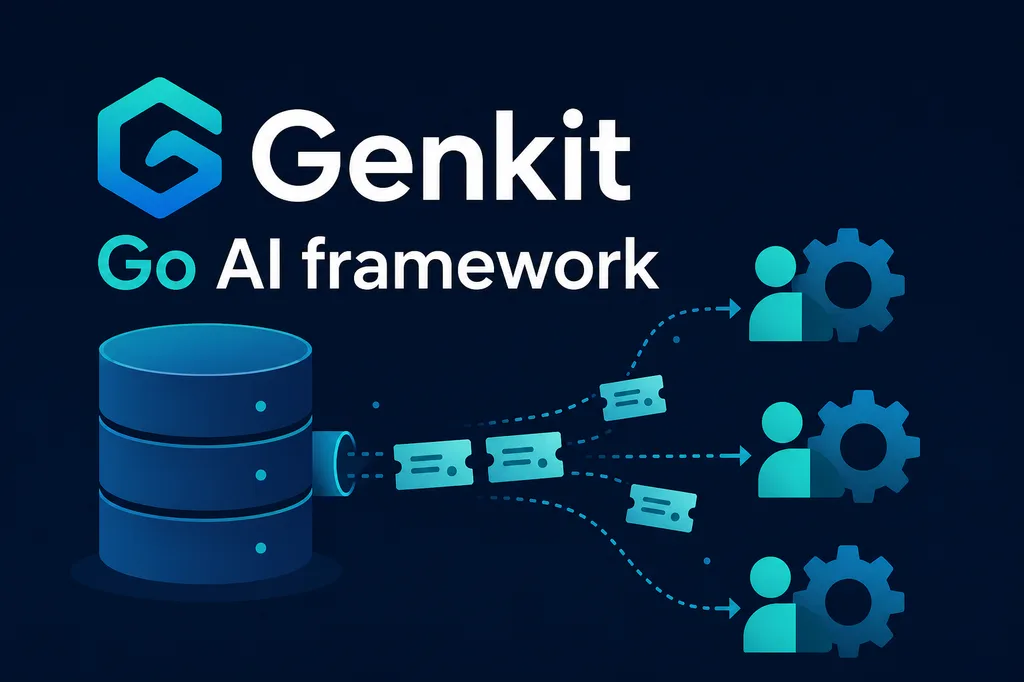
Genkit is pitched as “Spring Boot for AI workflows,” not another thin SDK. For Go: go get github.com/firebase/genkit/go/ai, a provider plugin (e.g. Gemini), genkit.Init, and the first g.Generate call. The real value is structure.
Structured output: instead of parsing “Category: … Priority: …” from free text, you define a Go struct with JSON tags and a schema in the request—ticket classification, field extraction, support routing. Flows (genkit.DefineFlow) model multi-step processes—summarize email, detect sentiment, draft reply—as reusable components instead of scattered controller calls.
Tool calling: the model decides when to invoke GetOrderStatus; facts come from your database or CRM. Observability: when users say “the AI answered badly,” you see prompt → context → tool calls → model output and cost. The article also walks through an incident postmortem flow fed by Slack, alerts, and logs.
Why it matters
Many Go backend teams do not want a separate Node service “just for AI.” Genkit lets you embed capabilities in existing services and separate workflow logic from the model—migrating from Gemini to Anthropic or a local model six months later hurts less.
The author warns against common mistakes: using Genkit only as a Generate wrapper, automating everything without humans in the loop, and skipping evals after prompt or model changes. In production, workflows and tools often matter more than chasing the newest model.
In practice
- Start with one flow and a strict output schema—not free-form text.
- Keep prompts and versions in Genkit configuration, not scattered string literals.
- Serve facts from databases and internal APIs via tools, not bloated prompts.
- Enable tracing before the first production incident—without it, AI debugging is blind.
- Design “AI → human review → action” for risky operations.
- Treat quality evaluation as seriously as unit tests after model upgrades.
Takeaway
Genkit on Go is a practical bridge between a single API call and a mature AI system: schemas, flows, tools, observability. For backend engineers it avoids splitting the stack just for AI features. Code samples and setup are in the original Dev.to post.
Comments